
Resources
Email signatures
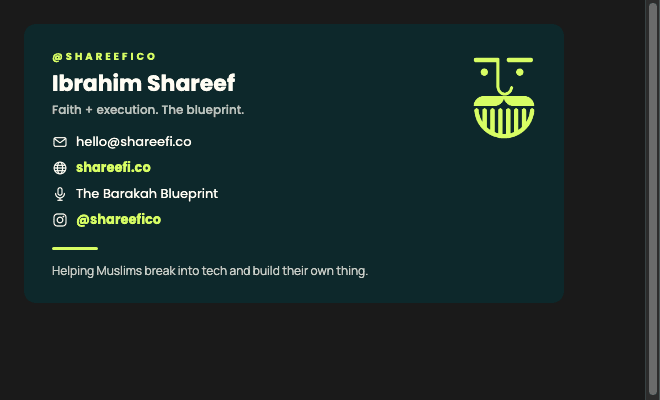
Hosted signature templates for the team.
Email is the most hostile rendering environment the brand appears in. The signature set is built for it: raster where clients refuse SVG, vector where they allow it, and separate cuts for light and dark mail themes.
Which file
| Client / theme | File | Notes |
|---|---|---|
| Gmail, light theme | shareefico-sig-light | The default for most recipients. |
| Gmail, dark theme | shareefico-sig-gmaildark | Gmail inverts backgrounds; this cut survives it. |
| Apple Mail / Outlook dark | shareefico-sig-dark | Drawn for a genuinely dark canvas. |
| Icon row | icon-*.png / icon-*.svg | Globe, mail, mic, Instagram. PNG for Outlook, SVG elsewhere. |
| Divider | rule-lime | The lime rule between name block and links. |
Outlook
Outlook on Windows renders through Word. It ignores SVG, most modern CSS and any image without explicit width and height attributes. Use the PNG cuts there and set dimensions in the HTML, not in CSS.
Rules
Do: Set explicit width and height on every image tag.
Do: Keep the whole signature under 100KB — some clients clip long messages.
Do: Give every icon real alt text; blocked images are the normal case, not the edge case.
Do not: Do not use a background image. Most clients strip it and you get bare text.
Do not: Do not include a quote, a disclaimer, or a second logo.
Do not: Do not scale the mark below 24px — use the favicon cut.